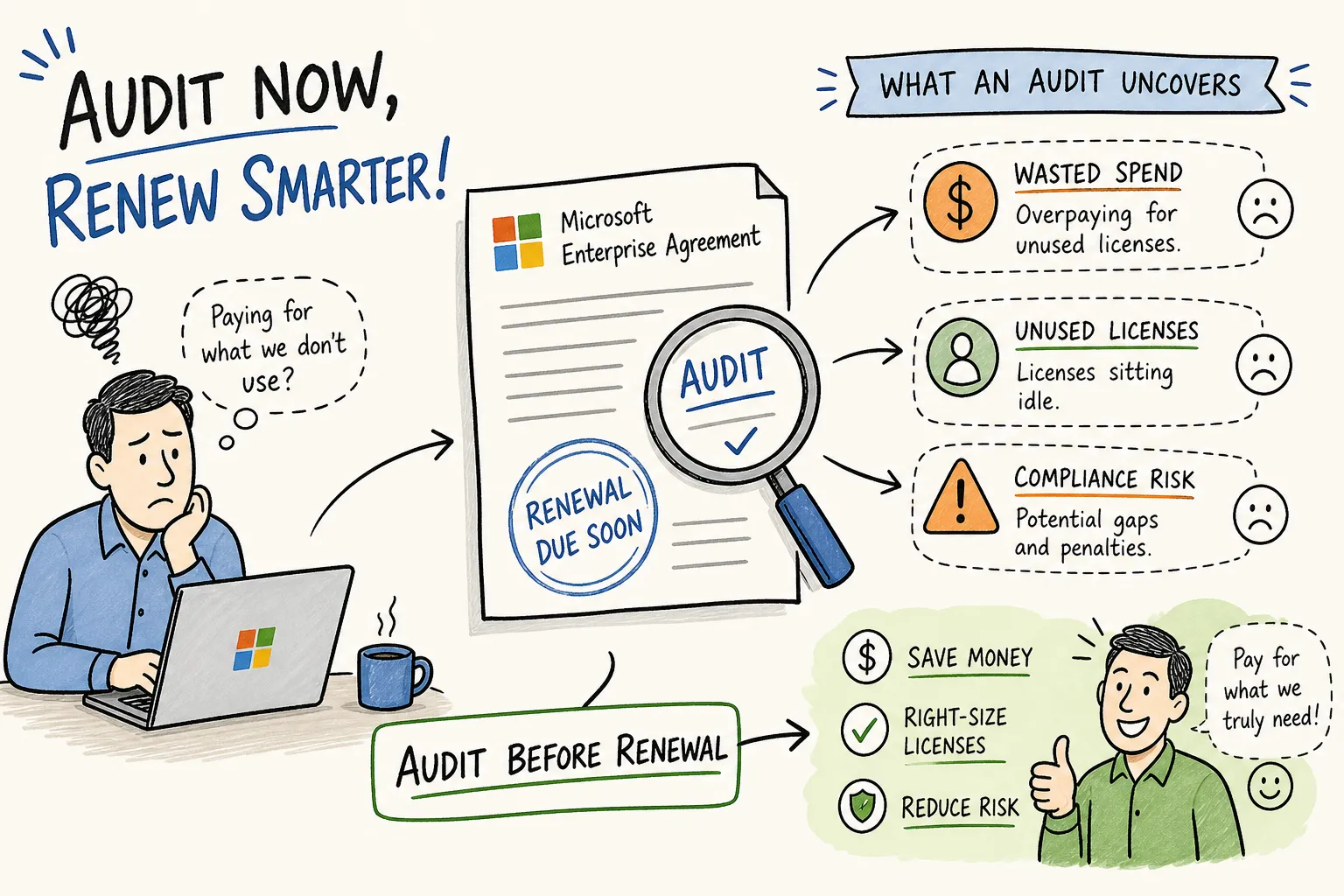
How do I audit my Microsoft Enterprise Agreement for savings before renewal? The answer starts with understanding what changed and what it’s costing you. Microsoft eliminated Level B, C, and D volume discounts in November 2025. On July 1, 2026, list prices rose on key SKUs: M365 E3 from $36 to $39 per user per month (+8.3%), E5 from $57 to $60 (+5.3%), and Business Basic from $6 to $7 (+16.7%). Organizations renewing an Enterprise Agreement today are starting from a higher baseline with fewer discount-based protections than in recent renewal cycles, due to the removal of volume tiers and those July 2026 list price increases. The window to act is narrow. For a $2M EA, the compounding cost of unchecked licensing waste across three years can exceed $650,000.
Many IT teams attempt a pre-renewal review with exported spreadsheets and several weeks of manual cross-referencing. They still miss the biggest savings because they calculate Year 1 waste and stop, never modeling the compounding impact of a padded baseline across all three years. This guide covers exactly what to pull, what to scrutinize, and how to build a negotiation brief that changes the outcome. Procurement and IT teams increasingly run this process with automated audit platforms that deliver a savings report in hours. Whether you go that route or work through it manually, the steps are the same, only the time differs.
How to audit your Microsoft Enterprise Agreement: Data to pull first
Before auditing anything, you need four pieces of information from your Microsoft Volume Licensing Service Center (VLSC) or Azure EA portal: your enrollment ID, contract term dates, renewal date, and your three-year true-up history. Your renewal date triggers a 90-day negotiation window, and your true-up history reveals what Microsoft has been charging you for and whether those numbers reflect reality. If you don’t have VLSC admin access, contact your Microsoft Account Representative or procurement team directly, they hold the official contract documents.
Pull three data sets concurrently. From the M365 Admin Center, export current license assignments and usage reports (PowerShell scripts are often required for full historical data beyond the default 30-day view). From Azure Cost Management, export 12 months of consumption with a custom date range. From the EA portal, download the full enrollment usage and charges report. Together, these three exports are the raw material for every savings calculation downstream.
Also request your Microsoft Licensing Statement (MLS) from Microsoft directly at reqmls.microsoft.com or through your volume licensing partner. The MLS is the definitive record of every SKU your organization owns under the EA. Without it, you’re reconciling against incomplete data. Pair the MLS with your consumption exports, and you have the complete picture of what you’re paying for versus what you’re actually using. This is the foundation of any serious Microsoft licensing audit.
EA renewal checklist: Key exports and deadlines
To keep the audit on track, confirm you have each of the following before your negotiation window opens: enrollment ID and contract term dates from the VLSC or EA portal; three-year true-up history; MLS export from reqmls.microsoft.com; M365 license assignment and usage report (30-day minimum, 12-month preferred); Azure Cost Management export covering 12 months; and EA portal enrollment usage and charges report. Missing any one of these creates blind spots that Microsoft’s account team is unlikely to flag on your behalf.
The license categories that hide the most waste
E3 and E5 licenses are frequently the largest line items on an EA and common targets for right-sizing. Segment your user base by actual workload: how many assigned E5 seats actively use the advanced compliance, analytics, or security features that justify the $60 per user per month price? Licensing analyses consistently show that a meaningful share of E5 seats in enterprise environments are assigned to users who do not access the differentiated features, making them strong candidates for E3 or F3 frontline licenses. With M365 E3 now priced at $39 after the July 2026 increase, the per-seat delta between E5 and E3 is $21 per month. Across 500 misassigned E5 seats, that’s $126,000 annually before compounding.
Add-ons compound silently over multi-year EA cycles. Security bundles, voice calling plans, advanced analytics packages, and compliance vaults get added during true-ups and rarely get reviewed at renewal. Cross-reference every add-on SKU against the feature sets already included in your base license tier. A significant share of EA customers pay separately for capabilities already bundled into licenses they own. Removing these overlaps is often the fastest single action to reduce Year 1 spend with no change to user experience.
On-premises SQL Server and Windows Server licenses assigned under an EA often qualify for Azure Hybrid Benefit, which can reduce Azure VM costs by 20, 40%. Identify all server and CAL license blocks in your MLS and map them against your current Azure workloads. If you’re running production workloads on pay-as-you-go Azure VMs when you already own the on-premises license rights, you’re effectively paying twice for the same software.
Comparing committed spend to actual usage: Where the real gap lives
The committed versus actual comparison is the analytical core of any EA audit for savings. Pull your contracted unit count for each SKU from the MLS, then pull your active user count from the M365 Admin Center exports. The gap between those two numbers is money you are paying for right now without receiving value. In EA structures, this pad compounds: carry 10% excess seats into Year 1, and that higher commitment becomes the minimum floor in Year 2 and Year 3, typically with a 5% annual price uplift applied on top.
This is where manual spreadsheet audits consistently underestimate total savings. The real number is the three-year compounding avoidance: excess seats multiplied by unit price, multiplied by three years, adjusted upward for the price uplift applied at each true-up. On a $2M EA carrying 10% seat padding with a 5% annual uplift, the three-year overpayment exceeds $650,000. Presenting that figure in a board-ready report lands very differently than telling leadership “we have some unused licenses.” This is the argument for enterprise agreement cost optimization done before, not after, the renewal signature.
Running this comparison manually typically takes 3, 6 weeks for an IT team without a dedicated FinOps function. The work requires exporting from three portals, normalizing SKU names, building a reconciliation model, and calculating three-year TCO deltas. Chronom AI connects to your Microsoft environment with read-only access and generates a savings audit report across M365 licensing, Azure compute, SharePoint storage, and Marketplace commitments in hours. The output is a SKU-level savings brief with specific dollar recommendations, not generic percentage estimates, that procurement teams can take directly into EA renewal negotiations.
2026 pricing changes that reshape your renewal math
Microsoft removed Level B, C, and D volume discounts effective November 1, 2025. Every EA renewal after that date prices at Level A (list price) regardless of seat count or spending volume. For organizations that previously qualified for Level C or D discounts, this represents an immediate cost reset at renewal before any other changes are applied. Your audit must recalculate your baseline using current Level A pricing, not the discounted rates from your expiring contract.
The July 1, 2026 list price increases, M365 E3 rising from $36 to $39, E5 from $57 to $60, and Business Basic from $6 to $7 per user per month, affect any contract signed or amended after that date. Contracts in force before July 2026 are protected for their current term, but any seat additions or renewals signed after that date absorb the new rates. If your renewal date falls in or after Q3 2026, model both the Level A baseline and the post-July pricing in your TCO comparison.
Also evaluate the new M365 E7 at $99 per user per month. For users who are actively consuming Copilot features alongside E5 add-ons, model E7 against your current E5-plus-add-ons cost per seat. Cost-effectiveness depends on actual add-on usage and should be calculated per-SKU rather than assumed.
Organizations under 2,400 seats are being steered away from traditional EAs toward the Microsoft Customer Agreement for Enterprise (MCA-E) or Cloud Solution Provider (CSP) models, per Microsoft licensing guidance and analyst coverage of the 2025, 2026 policy changes. MCA-E offers flexibility but lacks the three-year price lock that makes an EA valuable for budget planning. Your audit should include an eligibility check: if you’re near the 2,400-seat threshold, the agreement path you choose at renewal carries a compounding cost and flexibility impact that extends well beyond Year 1.
Negotiation levers that move Microsoft off list price
The single most powerful lever available before signing is negotiating a true-up baseline reset. Rather than carrying forward your current inflated baseline into the new contract term, you reset it to your verified actual usage. This prevents excess seats from compounding across Years 2 and 3. To negotiate this successfully, you need the reconciliation data from your audit in hand: a documented seat-by-seat comparison of contracted versus deployed, not a verbal request to your account team.
Microsoft responds to documented competitive alternatives. If your organization has evaluated AWS or Google Workspace for specific workloads, that assessment belongs in your negotiation brief. In structured EA negotiations, documented competitive assessments have shifted outcomes by 8, 15% based on observed licensing engagements. Separately, if your organization is committing to significant Azure spend, a Microsoft Azure Consumption Commitment (MACC) can generate 5, 8% additional discount points on the broader EA.
These levers reinforce each other. A baseline reset closes the seat-count gap. A documented competitive evaluation creates urgency on Microsoft’s side. An Azure commitment gives Microsoft a reason to protect the relationship with pricing concessions. Stacking all three is how structured EA audits consistently produce 18, 33% TCO improvement compared with unmanaged renewals. If your renewal window opened before July 1, 2026, also negotiate explicit language in the renewal agreement, not a verbal confirmation, that additions to the enrollment during the new term will honor pre-July pricing where eligible. For large seat counts, that price protection alone can offset the savings from license right-sizing.
Turn your audit findings into a negotiation brief
A negotiation brief built on audit data has four components. A verified license inventory maps every SKU in your MLS to active users, with the gap quantified in dollar terms. A three-year TCO model shows the compounding impact of carrying waste forward versus resetting the baseline. A workload segmentation recommendation identifies which users warrant E5, which are adequately served by E3, and which qualify for F3 frontline licenses. Finally, Azure optimization opportunities, including Hybrid Benefit eligibility and Reserved Instance gaps, are expressed as three-year savings amounts, not percentages.
Microsoft’s account teams respond to specificity. Walking into a renewal conversation with “we think we’re over-licensed” produces a very different outcome than walking in with “we have 340 E5 seats assigned to users with no advanced security events in the past 12 months, and downgrading them to E3 saves $85,680 annually at current pricing.” The software asset management (SAM) work behind that second statement is what produces real negotiating leverage. Start 90, 180 days before your renewal date to give yourself time to gather the data, build the model, and arrive at the negotiation table prepared.
Run your audit before the next renewal window closes
If you’ve been asking how to audit your Microsoft Enterprise Agreement for savings before renewal, the answer comes down to sequencing and specificity. With volume discounts eliminated, list prices compounding, and EA eligibility thresholds shifting, organizations that renew without a structured audit are locking in three years of overpayment. Pull your contract data, map your license inventory to actual usage, calculate the committed versus actual gap across all SKUs, factor in the current pricing landscape, and build a negotiation brief with specific dollar numbers attached to every recommendation. That sequence is the EA renewal checklist that changes outcomes.
If you want to skip weeks of manual spreadsheet work, Chronom AI runs a free, read-only audit across your full Microsoft ecosystem and delivers a savings report ready for your renewal negotiation. The audit covers M365 licensing, Azure compute, SharePoint storage, and Marketplace commitments in a single pass. Start your free audit at Chronom AI and walk into your next EA renewal knowing exactly what leverage you have.