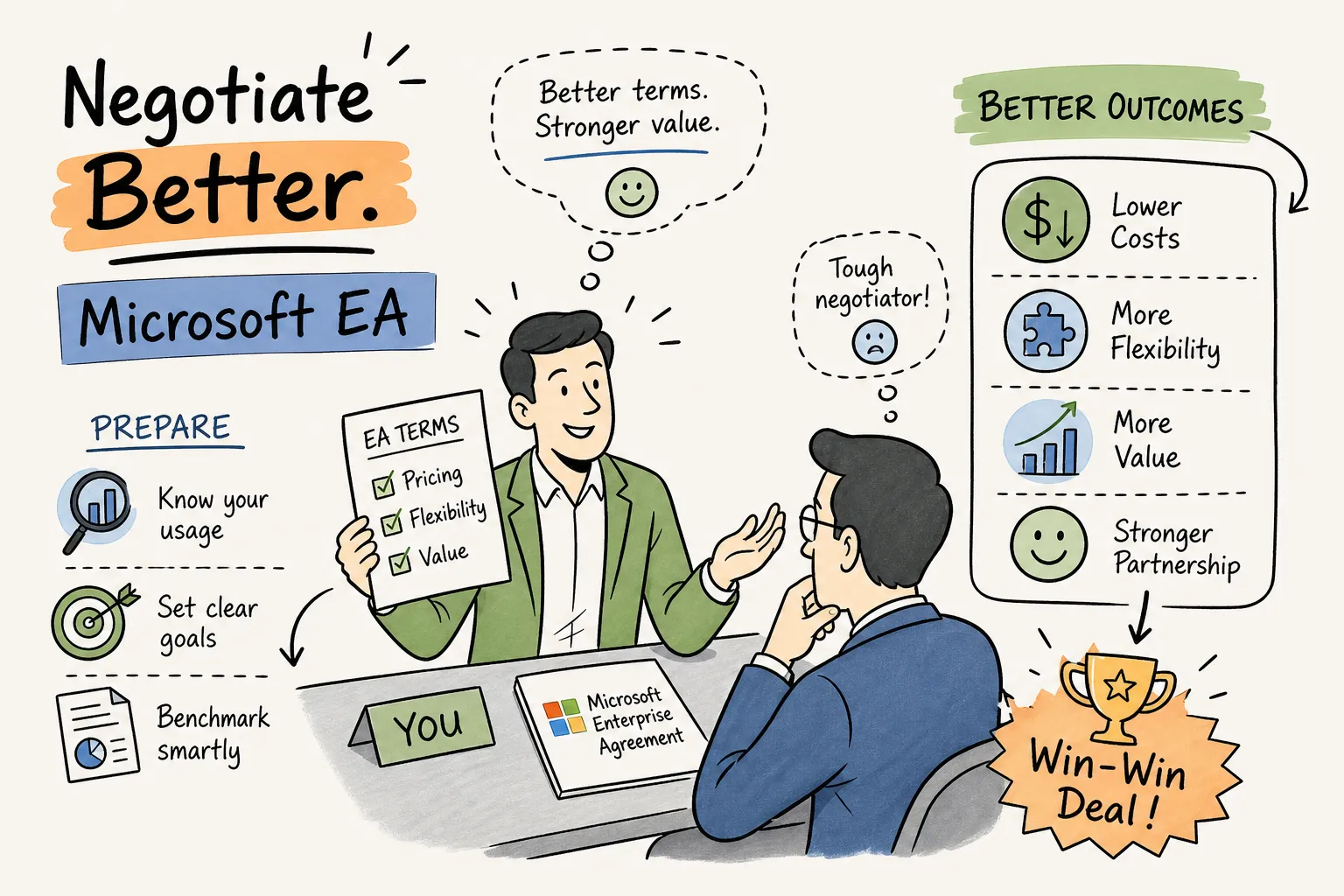
Most organizations hand Microsoft a structural information advantage before the first renewal meeting even begins. To strengthen your enterprise agreement negotiation position, your team must generate its own defensible numbers before the conversation starts. Procurement teams typically walk in with user counts and a general suspicion of over-licensing, while Microsoft arrives with usage signals on which features your tenant actually uses, which SKUs your users ignore, and which commitments you’re unlikely to walk away from. That gap doesn’t close by accident. This guide walks through the full negotiation sequence, from pre-renewal audit to contract sign-off, with the specific tactics IT finance and procurement teams need to stop accepting a renewal that mirrors last year’s spend.
Why Microsoft holds the advantage going in
Microsoft has access to various usage and true-up signals that can create a meaningful information advantage unless buyers prepare their own tenant-level data. True-up records, usage signals from the admin portal, and feature-level analytics give Microsoft’s account teams context on your deployment before they sit across from you. That kind of usage insight can allow vendor account teams to form informed assumptions that influence negotiation anchors. Unless you generate your own data with the same granularity, you’re negotiating from a position the vendor helped shape.
The information asymmetry is compounded by what most procurement teams use to prepare: basic admin center sign-in reports. Microsoft’s native reporting is often limited to whether a user logged in, not whether they used the workloads their SKU covers. An account that signs in monthly can still carry an E5 license delivering almost no value against its price tag. Teams relying on those reports routinely underestimate their downgrade opportunities before they enter the room.
Building a data position for enterprise agreement negotiation
The single most effective preparation step is generating a per-user, per-SKU consumption report from your own tenant data before Microsoft’s account team contacts you. Industry benchmarking from sources such as Zylo and CoreView consistently shows that 40 to 56 percent of Microsoft 365 licenses are unused, underutilized, or oversized, a negotiating position waiting to be quantified.
Platforms like Chronom AI exist specifically for this step. Chronom connects to your Microsoft 365 tenant via a read-only Graph API, scans dozens of waste patterns across every user, mailbox, and SharePoint site, and delivers a per-user savings report quickly, typically within 48 hours. The output names which accounts are inactive, which Copilot seats are idle, and which SKU combinations overlap, with annualized cost figures for each finding. That report gives your procurement team vendor-agnostic numbers rather than a gut-feel position, and it shifts the anchor in your favor from the opening conversation.
Your past true-up submissions are a second asset worth reviewing before negotiations open. Consistent underutilization documented across multiple renewal cycles is concrete evidence that your current SKU mix is oversized. Bring that history to the table as a pattern, not a one-year anomaly. It gives you legitimate grounds to request a reduced commitment rather than accepting a rollover at existing seat counts.
Enterprise agreement negotiation: identifying your strongest downgrade opportunities
Audit E5 vs. E3 usage
Not every user in your organization needs E5. In many enterprise tenants, a significant portion of E5 holders never touch the advanced security, compliance, or analytics workloads that justify the price premium over E3. At Microsoft’s current list pricing, the difference is roughly $21 per user per month, which translates to approximately $252 per user annually. On a cohort of 500 users running E3-equivalent workloads on E5 licenses, that’s around $126,000 in annual savings on a single downgrade decision.
Audit Copilot usage
Copilot for Microsoft 365 is often one of the highest-cost line items to audit before any EA renewal. At its per-seat price, idle Copilot licenses can represent a fast-growing source of waste in enterprise agreements, and they’re also among the hardest to justify post-renewal without utilization data. A feature-level scan can surface how many Copilot seats have gone untouched since provisioning, which gives you a specific, defensible number to present when requesting a reduced commitment.
Spot SKU overlaps and orphaned accounts
In addition to E5-to-E3 downgrades and Copilot, look for SKU overlaps: Teams Phone purchased as a standalone add-on on top of a plan that already includes it, and duplicate security add-ons bundled into both a base SKU and a separately purchased product.
Orphaned accounts carrying full licenses for users who left the organization months ago are another common source of avoidable spend. Organize these findings into a document that shows, by SKU and user count, exactly what you’re removing and why. That package becomes the evidence you present when requesting a reduced commitment. In procurement practice, buyers who arrive with per-user utilization data behind each line item consistently encounter less resistance from account teams.
Negotiation tactics that actually move Microsoft’s pricing
Competitive alternatives are your most effective external lever, but only when they’re credible. If your organization has evaluated Google Workspace, completed a cost comparison for a subset of users, or received a formal proposal from an alternative vendor, bring that documentation to the table. You don’t need to threaten a full migration. You need to demonstrate that migration is a live option with a specific cost delta, not a hypothetical one. Microsoft’s account teams respond to documented competitive pressure in ways they don’t respond to general dissatisfaction.
Outside of per-seat pricing, EA renewals can include terms most procurement teams never ask for. Price-lock provisions cap annual uplifts at a fixed percentage. Credits for over-provisioning in prior cycles can offset new commitments. Azure consumption caps tied to the agreement limit exposure on cloud spend. Ramp structures let you pay into new SKU commitments gradually as deployment rolls out rather than from day one. These terms are typically not included in opening offers, you should request them and use usage data to justify each request.
Multi-year term commitments carry more pricing flexibility from Microsoft’s account teams than annual renewals. If you’re prepared to lock in a three-year term, use that commitment as trade currency to secure a lower per-seat price on SKUs you’re keeping, absorb the cost of workloads you’re planning to add, or negotiate reduction rights for organizational changes like divestitures. Bundling a seat-count reduction with a term extension often moves pricing further than negotiating on price alone.
Stakeholder management and timeline discipline
An EA renewal involves more decision-makers than most procurement teams map in advance. IT leadership needs to validate the usage data. Finance sets the budget ceiling and approval threshold. Legal reviews contract language. A senior executive needs authority to approve term commitments without stopping mid-negotiation to seek sign-off. Identifying those roles before the first vendor meeting lets your team respond in real time rather than stalling while approvals move up the chain.
Starting late is the single most common way organizations lose leverage in EA negotiations. A practical timeline works backward from your renewal date: begin your tenant audit 90 days out, complete your internal position paper 60 days out, enter substantive pricing discussions 45 days out, and preserve at least two weeks for contract review and final sign-off. Organizations with maximum leverage begin preparation 12 to 18 months before renewal, using that window for inventory, benchmarking, and stakeholder alignment so they’re positioned to negotiate decisively when Microsoft engages around the six-month mark.
The internal business case for a renegotiated agreement should quantify projected savings against a status-quo baseline, list SKU changes with supporting utilization data, and account for any risk such as workloads that might grow into removed capacity. That document protects procurement from post-renewal scrutiny and gives finance a clear record of how the decision was made. A board-ready output from a platform like Chronom AI handles the first two requirements in a format already designed for executive review.
Protecting what you negotiated after signing
A negotiated reduction that doesn’t appear in the final order form is not a negotiated reduction. Before signing, verify that every SKU change, seat count reduction, and pricing concession you secured appears in the contract language, not just in email correspondence from your account team. Discrepancies discovered after signature are slow and difficult to correct, and Microsoft’s default is to honor what the order form says.
The savings you lock in at renewal can quietly rebuild between cycles if there’s no mechanism watching for new license assignments, unused add-ons, and growing Azure commitments. License drift is the normal state of any large tenant without continuous governance, it’s not a remote risk. Continuous monitoring tools can help detect new waste patterns between renewal cycles so that the baseline you negotiated stays accurate through the full term. Chronom AI offers this kind of ongoing visibility, keeping your Microsoft spend aligned with actual consumption year-round rather than delivering a one-time win at renewal.
The habit that separates organizations that negotiate well
The organizations that consistently secure better EA outcomes share one preparation habit: they generate their own tenant data before Microsoft does it for them. That shift, from relying on vendor-supplied estimates to walking in with defensible, per-user, per-SKU numbers, changes the entire dynamic of the enterprise agreement negotiation. It turns a conversation that starts with Microsoft’s anchor into one that starts with yours.
Start your pre-renewal audit early enough to build a clear position, document every finding with utilization data, and treat every line item you’re keeping as a deliberate choice rather than a default. A strong enterprise agreement negotiation checklist covers tenant usage audits, SKU downgrade analysis, Copilot seat reviews, true-up history, and stakeholder alignment, all completed before Microsoft’s account team makes contact. If you want to see what your current tenant data actually reveals, reach out to the Chronom AI team to start a free audit and get the numbers you need to walk in prepared.