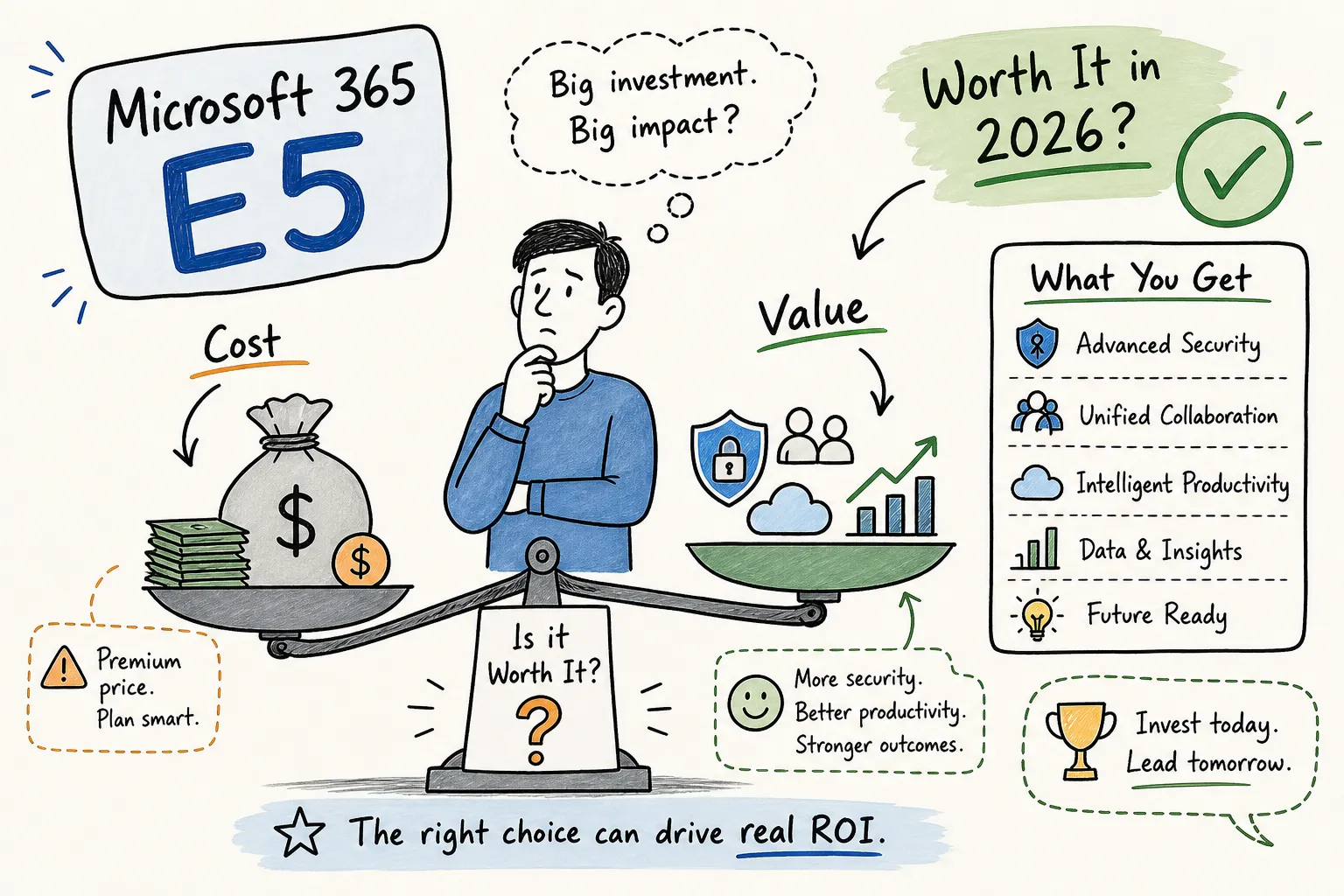
Is M365 E5 worth it at $60 per user per month? That depends on a number that most organizations never actually check before renewal. Microsoft 365 E5 costs $60 per user per month. E3 costs $39. That $21 gap, multiplied across 500 seats and 12 months, adds up to $126,000 per year in premium licensing spend. For a 1,000-seat organization, you are looking at a quarter-million dollars annually before you factor in implementation, tuning, or the operational overhead of actually running the advanced features you just paid for.
The real question is not whether M365 E5 is worth it on a spec sheet, it clearly has impressive capabilities. The question is whether your organization will genuinely operationalize those capabilities at a level that justifies the premium. This breakdown covers each major E5-exclusive feature, identifies where the Microsoft 365 E5 ROI math holds up, and shows where it quietly falls apart. It also covers the practical step most IT and finance teams skip before renewal: figuring out what your users actually use before signing another year at the higher price.
What E5 adds over E3: the six features driving the price gap
Microsoft 365 E5 pricing reflects a step up from E3 across three categories: security, compliance, and communications. On the security side, E5 includes Defender XDR for extended detection and response across endpoints, email, identity, and cloud apps in a single platform. Defender for Office 365 Plan 2 adds automated investigation and response on top of the Plan 1 threat protection that E3 provides. Entra ID P2 (formerly Azure AD P2) unlocks Privileged Identity Management and risk-based conditional access, the identity controls that most security frameworks now require as baseline.
On the compliance side, E5 includes Microsoft Purview Advanced eDiscovery for legal hold and case management at scale, plus Insider Risk Management to detect and investigate anomalous user behavior patterns. Teams Phone Standard rounds out the E5 bundle, giving organizations a PSTN-capable calling system without a separate add-on purchase. Each of these carries real licensing value on paper. Whether they deliver real operational value for your specific organization is an entirely different calculation.
Is M365 E5 Worth It? Feature-by-Feature ROI
The security stack: where the math tends to work
Organizations that would otherwise pay for standalone Defender for Identity, Defender for Endpoint Plan 2, and a third-party SIEM often find that E5 pencils out on security consolidation alone. Forrester’s Total Economic Impact study on Microsoft 365 E5 reported $86.25 per user per month in composite savings for the modeled organization, driven largely by reduced incident response costs and tool replacement, with a three-year risk-adjusted ROI of 190% (Forrester TEI, Microsoft 365 E5). According to a Forrester-style summary analysis of E3-to-E5 migrations, 61% of organizations that moved from E3 to E5 justified the upgrade through lower security tooling spend and faster breach containment, though that figure reflects modeled or survey-based outcomes and individual results will vary.
For organizations running a security operations center or a co-managed detection and response service, Defender XDR’s unified signal correlation is genuinely difficult to replicate at equivalent cost with point solutions. The E5 security features deliver real savings when the alternative is paying separately for identity protection, endpoint detection, email security, and threat intelligence feeds from multiple vendors. The math changes completely when E5 is purchased primarily for its licensing headline rather than because your team will actively operate those tools.
Purview compliance for regulated industries
For organizations operating under HIPAA, FINRA, GDPR, or similar regimes, the Purview compliance suite is often where the clearest justification lives. Advanced eDiscovery removes the need for expensive third-party legal hold and discovery platforms, customers who have eliminated standalone eDiscovery vendor contracts after adopting Purview report meaningful reductions in recurring legal-tech spend. If your legal team is already paying a separate vendor for eDiscovery tooling, E5 can eliminate that spend entirely while improving your audit posture at the same time.
Insider Risk Management addresses audit requirements that regulators increasingly scrutinize, particularly in financial services and healthcare. Financial services firms with active FINRA supervision requirements and healthcare organizations with HIPAA audit obligations tend to find that E5’s compliance features eliminate more external spend than the premium costs. Enterprises managing GDPR data subject request workflows often reach the same conclusion. That is the specific scenario where the Forrester TEI numbers are relevant. Outside of it, those numbers do not replicate.
E5 features that rarely pay for themselves
Teams Phone: licensed but often redundant
Teams Phone Standard is included in E5, but a large share of organizations already have telephony contracts with third-party UCaaS vendors. Switching to Microsoft’s calling infrastructure requires Direct Routing configuration, Operator Connect agreements, or operator routing setup, none of which are lightweight projects. For organizations mid-contract with another provider, Teams Phone delivers zero realized value in year one and possibly year two.
The utilization data illustrates this gap. Based on Microsoft’s publicly reported figure of approximately 12 million Teams Phone PSTN users set against an estimated 41 million E5 seat count, the implied activation rate is roughly 29%, meaning close to 70% of E5 subscribers may be paying for a telephony entitlement they are not using. Those underlying figures carry meaningful uncertainty given data vintage and estimation methodology, so treat that range as directional rather than precise. The broader point stands: Teams Phone is frequently a feature on the invoice rather than in production for a large portion of the licensed base.
Power BI Pro and Insider Risk Management: the utilization gap
Power BI Pro is included in E5 and listed prominently in vendor comparisons, but creator activity in enterprise tenants typically traces back to a small subset of analysts rather than the broader user population. Forrester’s modeling assumptions used 25% of employees as active Power BI users, and that is a modeling assumption, not an observed usage rate across real tenants. Precise activation rates are not reliably published, but the practitioner pattern is consistent: most licensed seats see minimal Power BI engagement.
Insider Risk Management carries a similar challenge. It requires dedicated policy design, ongoing tuning, and active case review to deliver value. Mid-market organizations without a dedicated security operations function often struggle to activate it in any meaningful way, a common practitioner observation, though published activation-rate benchmarks for this segment are limited. Without an analyst reviewing alerts and managing cases, the feature generates data but not decisions. Both capabilities add real cost to the per-user price and generate near-zero operational value for seats in organizations that have not built the supporting processes around them.
Who should buy E5 and who should stay on E3
The threshold where E5 becomes a practical necessity
Microsoft 365 E5 is worth the cost when at least two or three of its premium features are actively used by a meaningful portion of your user base, or when a single feature like Advanced eDiscovery eliminates a larger standalone cost. Organizations in financial services, healthcare, legal, or government contracting with active FINRA, HIPAA, or GDPR obligations tend to hit that threshold. So do organizations that have invested in building or co-managing a security operations function and need Defender XDR as the detection backbone.
The Forrester TEI savings figures assume a mature, security-operationalized deployment where advanced features are running in production and replacing real external spend. Without that context, the numbers do not replicate for your organization. Implementation costs matter here too: enterprise-scale Defender XDR deployments typically run $100,000 to $250,000 in professional services alone, with ongoing SOC or managed detection and response costs ranging from $20,000 to $80,000 per month. That investment only makes sense when the security program is already designed to absorb it.
Where E3 or Business Premium is enough
For organizations under 300 seats with no significant compliance mandate, Business Premium already covers Defender for Business, Entra ID P1, and Intune at a fraction of E5’s cost (see Microsoft’s product comparison pages for current entitlement details). Mid-market organizations with standard security requirements and no active eDiscovery or insider-risk program can typically cover their gaps through E3 plus targeted add-ons rather than a blanket E5 rollout.
Paying $60 per user per month for organizations where most employees use Outlook, Teams, and SharePoint while advanced security and compliance features sit idle is one of the most common and preventable sources of Microsoft overspend. One U.S. energy sector case documented cutting total Microsoft costs by 20% and avoiding $1.2 million in wasted cloud spend by moving roughly 1,500 users from E5 to E3 where the premium features were not justified. That is a real number, and it is not an unusual scenario in organizations that have never audited feature-level utilization.
Is M365 E5 Worth It for Your Team? Audit Before You Renew
What feature-level utilization data actually reveals
Most Microsoft 365 admin center reports surface sign-in activity, not feature engagement. A user can log in every day and never open a Defender portal, run an eDiscovery case, or make a single Teams Phone call. Microsoft’s own admin center documentation confirms that usage reports track access patterns rather than workload-level activation. That distinction matters enormously when you are paying $60 per user per month and trying to justify renewal to a CFO who wants a defensible number, not a vendor’s spec sheet.
Feature-level usage data is what transforms a gut-feel renewal conversation into a precise, dollar-level decision. Chronom AI scans your M365 tenant through a read-only Microsoft Graph API connection, surfacing which users are actively engaging with E5-specific features and which are running on E3-equivalent usage patterns at an E5 price tag. The scan is designed for security and compliance, requires no credit card to start, and is built to return initial results within 48 hours without touching or altering any tenant data.
The mix-and-match approach as a smarter alternative
Once you have per-user utilization data, the path forward is rarely an all-or-nothing choice between E5 and E3. Most organizations find that a defined subset of users, typically security analysts, compliance officers, eDiscovery administrators, and legal teams, genuinely need E5. The rest of the organization is better served by E3 or Business Premium at a lower per-seat cost.
Licensing the right SKU to the right user is where most organizations recover the most significant savings. Chronom AI’s audit report identifies each user’s actual feature-level activity across E5-specific capabilities and the annualized cost difference between their current license and a rightsized alternative. That output gives IT leaders and procurement teams the exact numbers needed for EA renegotiation or renewal rightsizing, without the spreadsheet marathons that typically consume weeks of admin time.
Making the call: a framework before you sign
Whether Microsoft 365 E5 is worth the premium ultimately depends on how many of its advanced capabilities your organization actually runs in production. For security-mature, compliance-driven organizations with an active eDiscovery function or SOC, the M365 E5 license benefits frequently justify the cost with room to spare. For organizations where most of the advanced features are technically licensed but operationally dormant, the premium represents one of the most expensive assumptions in enterprise IT.
Renewing E5 across every seat without knowing how many users actively engage with Defender, Purview, or Teams Phone is a choice made in the absence of data. If that data is not yet on hand, it is worth getting it before signing. Audit first, commit second. That sequence saves organizations far more than any discount negotiated at renewal without knowing what you actually use.