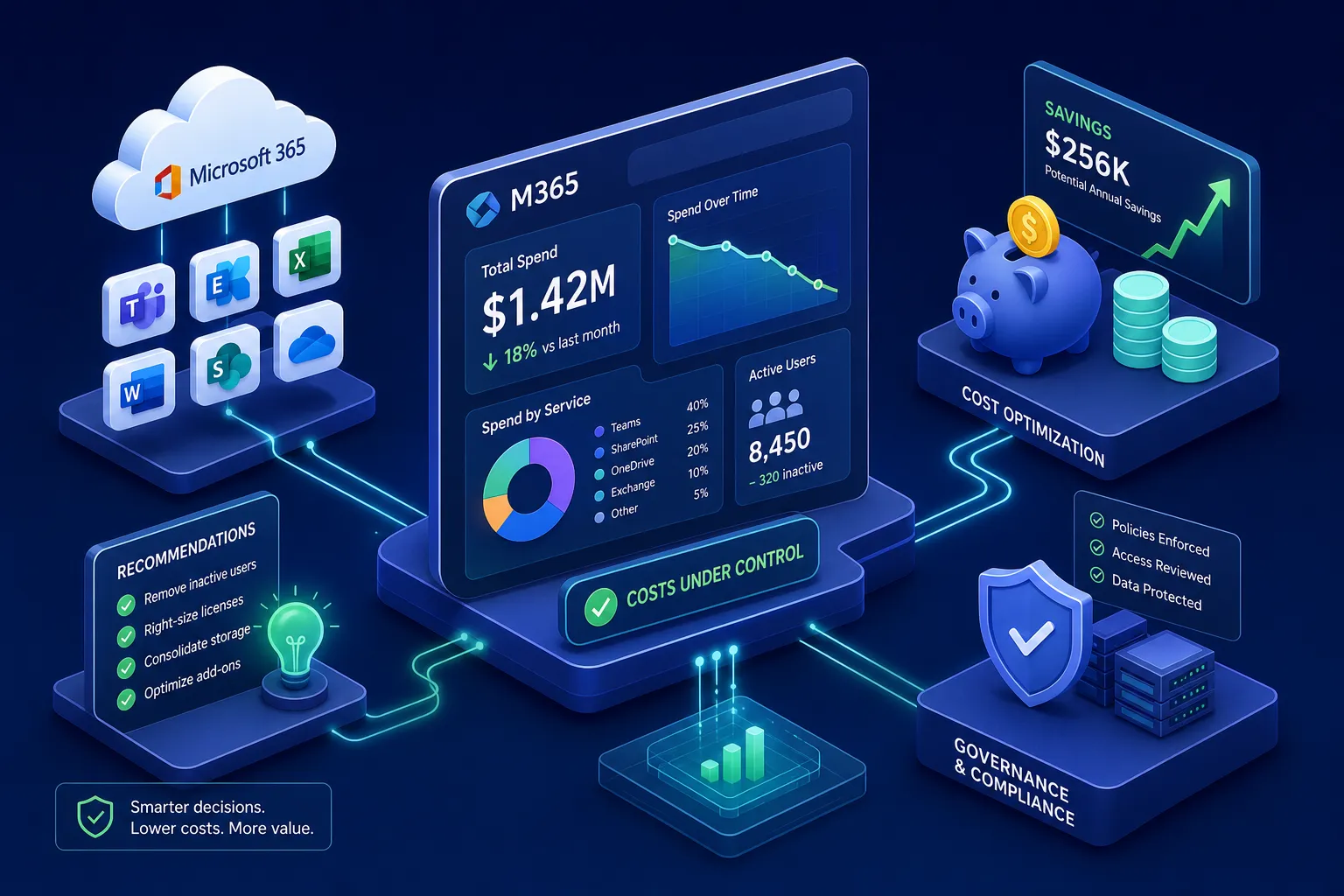
Many organizations are paying for Microsoft 365 licenses they cannot fully account for, and the problem compounds quietly between renewal cycles. The admin center shows you who signed in last week. It does not show you whether the person assigned an E5 license actually used Purview, Defender, or any of the other premium features bundled into that tier. That gap between what you’re paying for and what’s being used is where, according to industry benchmarks, roughly 20%, 40% of M365 budgets disappear, with most organizations landing near the 30% midpoint. Selecting the right M365 cost management software is the most direct way to close that gap and recover spend before your next renewal.
Specialized Microsoft 365 cost management software exists specifically to surface that waste. Platforms in this category connect to your tenant, read feature-level usage signals, and identify the exact licenses, users, and dollar amounts that represent recoverable spend. Platforms like Chronom AI have set a measurable benchmark for what good looks like: a read-only, 48-hour savings report with per-user, per-SKU dollar detail, no write access required, no lengthy implementation.
This guide gives you a clear evaluation framework to apply to every vendor on your shortlist, including what native Microsoft tools actually cover, the five criteria that separate strong M365 cost management platforms from weak ones, how the leading third-party tools compare, and three concrete optimization actions to execute once you have a credible savings report in hand.
Why native Microsoft tools leave a cost visibility gap
Microsoft gives you two native options for tracking spend: the M365 admin center billing view and Azure Cost Management. Both are genuinely useful for invoice-level reporting. Neither tells you what you wasted.
What Azure Cost Management and M365 billing actually show
Azure Cost Management is built for analyzing Azure cloud spend: cost analysis, budgets, alerts, anomaly detection, and reservation tracking. It can surface Microsoft 365 charges in supported MCA or New Commerce billing scenarios, but it is not a usage intelligence tool for M365. The M365 admin center billing view handles invoices, payment management, and subscription administration. One important operational note: cost data in Azure Cost Management is estimated until invoicing and may exclude credits, taxes, and some support charges. Both tools answer the question “what did you spend?” Neither answers “what should you have spent?” For organizations applying FinOps for Microsoft 365, the discipline of aligning Microsoft cloud spend to actual business value, this native ceiling is exactly where purpose-built cloud cost optimization tools for M365 become necessary.
The feature-level usage blind spot that hides real waste
Native reports track whether a user signed in, not whether they used the specific features bundled into their license tier. An E5 user who only reads email and attends Teams calls looks “active” in the admin center. In reality, they’re a strong candidate for a downgrade to E3 or Business Premium, representing a meaningful per-user cost reduction every month. This is where license drift silently inflates costs between renewal cycles. Users change roles, get reassigned, or simply stop using premium features, and nothing in the native toolset flags it. M365 license optimization software is built specifically to expose this pattern.
Five criteria that separate strong M365 cost management software from the rest
Adding a third-party tool to your Microsoft stack carries security, compliance, and budget implications. Before comparing vendors, establish a consistent set of criteria you’ll apply to every platform. These five factors give you the structure to run a disciplined evaluation rather than a sales-demo comparison.
Scan depth: feature-level signals vs. sign-in-only logs
The most important differentiator between platforms is how deeply they read your tenant. Sign-in-based tools replicate what the admin center already shows you. Feature-level platforms use the Microsoft Graph API to pull granular usage signals across every M365 service, revealing which users are actually consuming what they’re assigned. Ask every vendor the same question: what specific signals does your scan read, and can you show me a sample per-user, per-SKU output before I commit?
Reporting speed and audit-ready output
Time-to-insight matters more than most buyers realize. If a platform takes two to four weeks to produce a savings report, it misses urgent EA renewal windows and board review cycles. Based on Chronom AI’s own delivery standard, and the bar buyers should hold every vendor to, a complete, board-ready savings report within 48 hours of tenant connection is achievable. The report should include annualized cost figures by user and SKU, not just percentage summaries or aggregated estimates. A CFO cannot act on “you’re wasting roughly 25, 30%.” They can act on a line-item list with exact dollar figures.
Compliance posture and tenant security standards
A tool that requires write access to your tenant to run a diagnostic scan introduces security risk before it delivers a single dollar of savings. The vendor’s compliance posture comes down to three specifics: whether the platform uses a read-only API connection, whether it holds SOC 2 Type II certification (Type II, not just Type I, because it tests control effectiveness over time), and whether it operates on a zero-change-until-approved architecture. These are not optional features. They are the baseline for any software touching a production Microsoft 365 tenant with real user data.
Managed execution: who converts findings into realized savings
Most platforms stop at discovery. They hand you a report and treat implementation as your problem. Evaluate whether the vendor offers a managed execution option where their team handles approved changes after you review and sign off. This eliminates the most common reason cost optimization stalls: a solid savings report sitting in a backlog because internal IT doesn’t have capacity to act on it. Discovery without execution is just expensive paperwork.
Coverage breadth across the full Microsoft ecosystem
M365 licensing is only part of the waste picture. Copilot seats, Azure consumption, SharePoint storage bleed, and Marketplace commitments all contribute to total Microsoft spend. A platform that audits base licenses but ignores Copilot utilization or orphaned SharePoint sites is giving you an incomplete savings figure. Ask every vendor to define their coverage scope explicitly, then verify it with a sample report.
How leading M365 cost management software compares in 2026
Several third-party platforms appear regularly on enterprise shortlists. Each takes a different approach to the problem, so understanding where they focus helps buyers orient the market before committing to a final decision. The comparison below applies the same five-criteria framework described above.
What each platform does well
CloudNuro’s Microsoft 365 Custodian offers multi-tenant visibility, automated usage analytics at the SKU level, and advanced cost allocation and chargeback capabilities, making it a reasonable fit for MSPs managing multiple client tenants. CoreView provides M365 governance and license analytics often used for IT administration and governance workflows. 365TUNE delivers financial analytics and department-level cost allocation suited for organizations that need showback and chargeback reporting. LicenseQ Hub handles multi-tenant environments with license assignment and usage pattern analysis. Each platform addresses part of the problem.
Where many platforms hit their ceiling
A recurring limitation across these tools is time-to-value and output depth. Many require implementation timelines measured in weeks, produce report formats designed for IT review rather than CFO or board consumption, and stop short of offering managed execution. Pricing is largely undisclosed across all four platforms until you’re deep into a sales process, which makes pre-approval budget conversations harder than they need to be. Buyers who need a board-ready savings report within days of signing up, with exact annualized figures by user and SKU, will find that many platforms require significant setup investment before delivering that output.
Why Chronom AI sets the benchmark for M365 cost visibility
Chronom AI satisfies every evaluation criterion above with specific, verifiable capabilities. The platform is designed for organizations with 200 or more seats or $50,000 or more in annual Microsoft spend, exactly the scale where manual tracking breaks down and native tools stop being sufficient.
A 48-hour read-only scan with per-user, per-SKU savings detail
Chronom connects to your Microsoft 365 tenant via a read-only Microsoft Graph API connection. No write access. No data alteration. No multi-week implementation project. Within 48 hours, the platform delivers a savings report that names every wasted user, every overprovisioned SKU, and the exact annualized cost of each item. Coverage spans 40-plus waste patterns across M365 licensing, Azure consumption, Copilot seats, SharePoint storage, and Marketplace commitments in a single pass. That breadth is the difference between a license audit and a full Microsoft spend review.
From discovery to realized savings without consuming IT bandwidth
Chronom includes an optional managed cleanup service where the Chronom team executes approved changes after the buyer reviews and signs off on recommendations. You control what gets changed. Chronom handles the execution. This architecture compresses the path from discovery to realized savings into days rather than quarters and eliminates the backlog problem that causes most cost optimization efforts to stall after the initial report. The combination of a 48-hour report and optional managed execution is what separates a tool that informs from a tool that delivers.
Continuous monitoring so waste doesn’t quietly rebuild
A one-time audit solves the problem as of today. License drift rebuilds over time as users change roles, new licenses are provisioned, and offboarding steps are missed. Chronom runs 24/7 anomaly detection between renewal cycles, alerting on new waste patterns before they compound into the same problem you just cleaned up. SOC 2 compliance and a no-credit-card-required free audit lower the barrier to starting: you can evaluate the platform’s output and validate its findings before committing to a paid engagement.
Three M365 cost optimization actions to implement after your audit
A credible savings report is only valuable if you act on it. These three moves convert findings into budget recovery, regardless of which platform you use to generate the data.
Right-size overprovisioned license tiers
Match each user to the lowest license tier that covers their actual feature usage. Users assigned E5 who only consume email, calendar, and Teams calls are candidates for E3 or Business Premium downgrade. Before executing any tier change, run a bundle-versus-add-on comparison: in some scenarios, stacking add-ons on E3 costs more than staying on E5 outright. The math is not always obvious, which is why per-SKU output from an audit matters before you start moving seats.
Reclaim idle Copilot and premium add-on seats
Copilot seats represent significant per-user spend. Identify seats where Copilot features haven’t been meaningfully used in the last 90 days and reclaim them. Apply the same logic to Teams Audio Conferencing, Defender add-ons, and Visio or Project licenses assigned to users who are no longer actively using those products. These add-on costs are often invisible in aggregate reporting but add up quickly across hundreds of users.
Build department-level cost allocation for year-round accountability
Set up a chargeback or showback model that assigns Microsoft 365 license costs to the department or cost center of each licensed user. Monthly or quarterly allocation reports shift cost accountability from IT to business owners, creating natural pressure to right-size licenses without IT having to police every request. Start with per-user license costs and a clear cost-center mapping, then layer in shared service overhead using licensed-seat count as the allocation key. This structure gives finance the year-round visibility they need and removes the dynamic where Microsoft licensing only gets scrutinized at renewal time.
Making the right call for your organization
Native Microsoft tools are useful for invoice visibility but won’t surface feature-level waste. Third-party M365 cost management software exists on a spectrum from basic license analytics to full managed execution, and the five evaluation criteria covered here give you a consistent framework to compare any platform on your shortlist: scan depth, reporting speed, compliance posture, managed execution, and coverage breadth.
Chronom AI’s 48-hour read-only scan with per-user, per-SKU annualized savings detail represents the standard buyers should hold every vendor to. If a platform on your shortlist can’t match that depth and speed, ask directly why not. For mid-market and enterprise organizations at that seat and spend threshold, audits consistently surface savings opportunities that more than offset the cost of the tool, often within the first year, depending on the scale of findings.
Start with the free audit. Use the report to build the business case internally, put exact dollar figures in front of your CFO or IT director, and enter your next EA renewal with data instead of estimates. The first 48 hours produce a complete picture of the feature-level gaps that native tools cannot surface on their own.